
Aug 19, 2026
One of the core principles of Outlign since day 1 has been to keep track of where you’re up to in your process, both to help keep a lid on things like rounds of revisions (and therefore scope creep), as well as letting you know where a project is at with just a glance.
With that in mind we’ve released an update to the layout and functionality of the process project views.
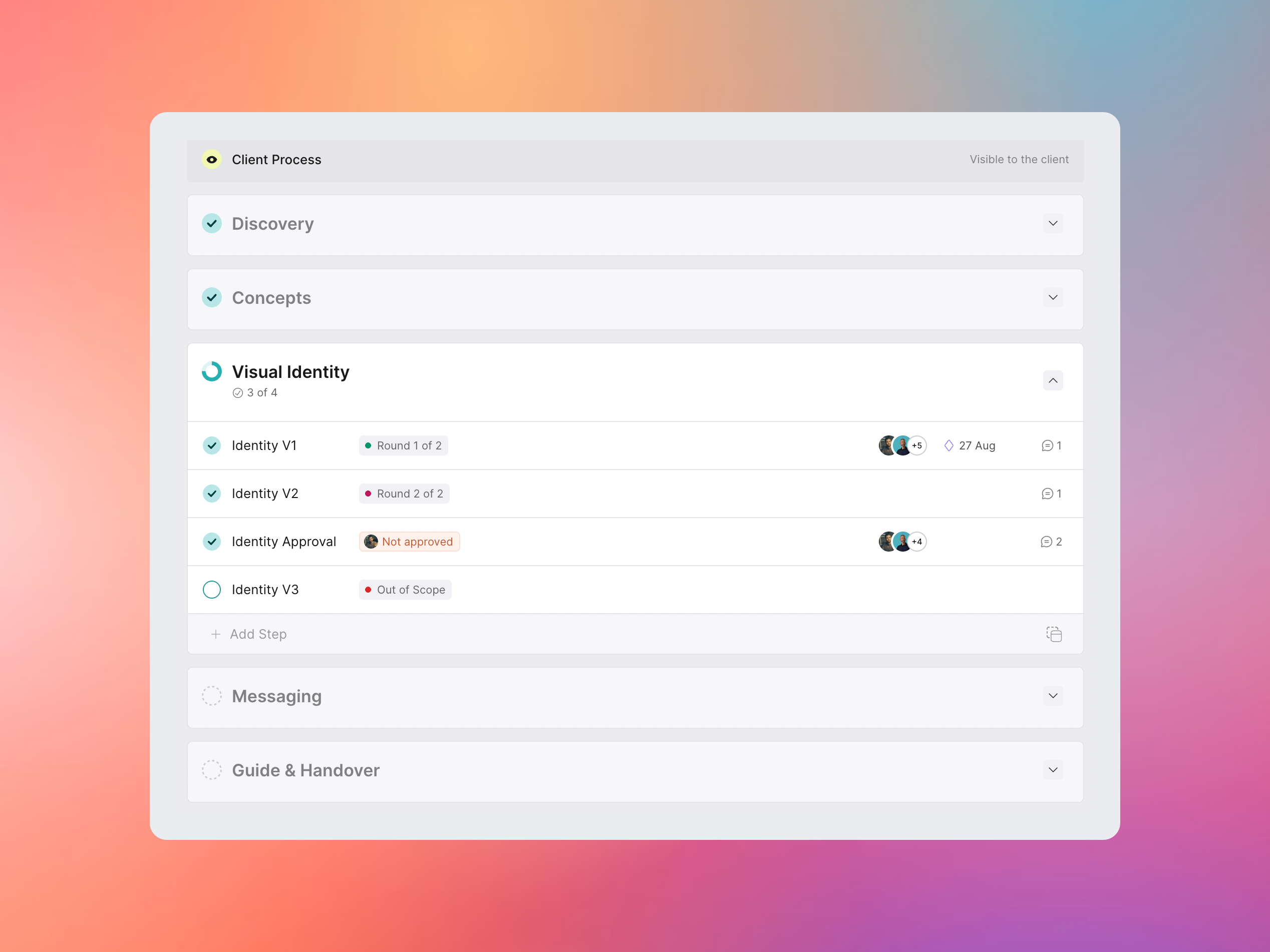
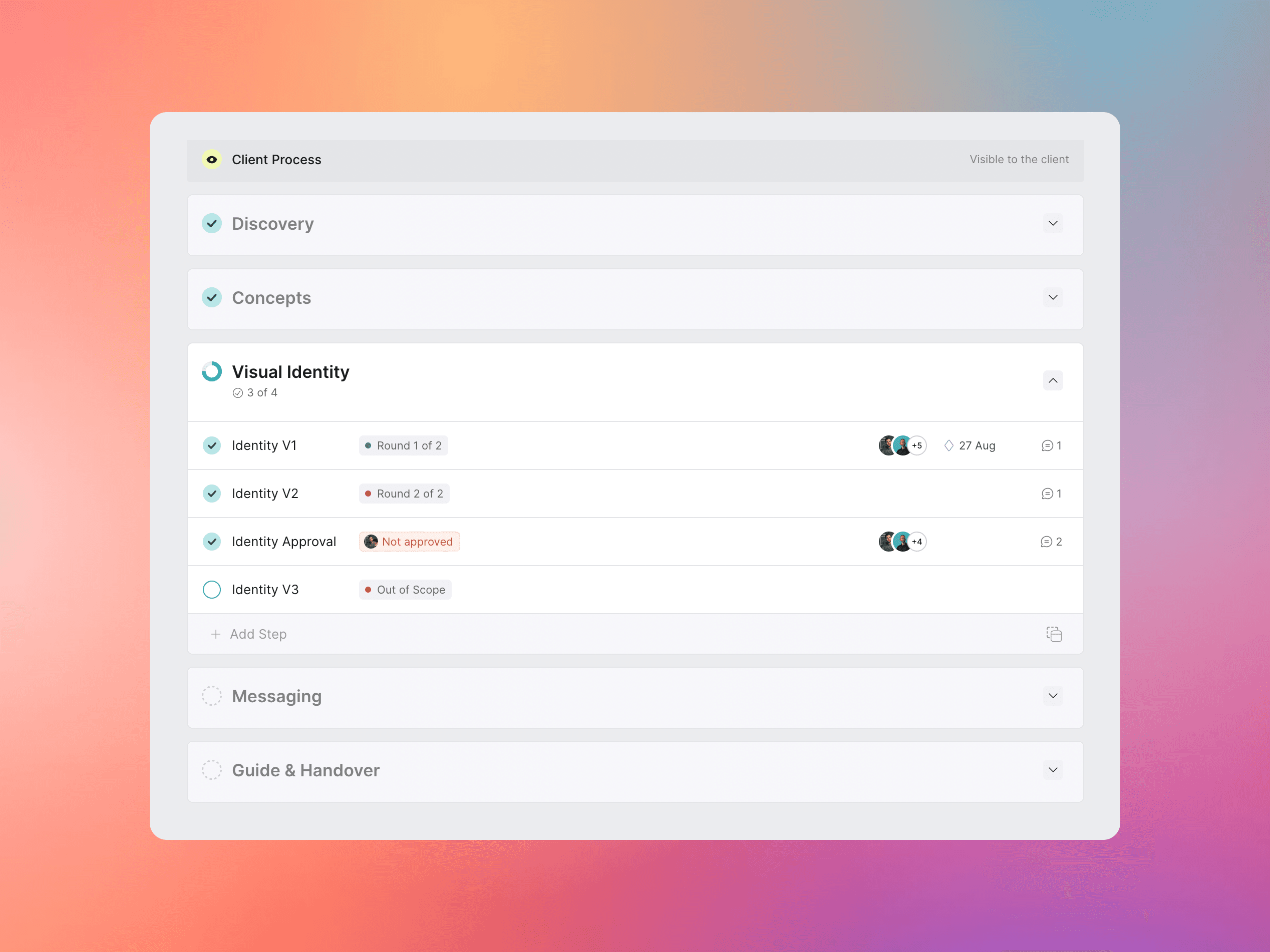
We’ve cleaned up the process view to further reduce distractions and put the focus even more clearly on the phases that are in progress.
Progress and state are more clearly marked down the left column, showing which phases are completed, in progress and upcoming all in line and with much clearer status.
The view on the project’s home screen is even more simplified, so the current state and progress really is easily absorbed with just a glance.
In addition to this we’ve also added another heavily requested feature - tags for tasks - which serves double duty in process projects.
We’ve found by tagging steps with not just which version they are, but also calling out how many rounds are included makes it completely clear to the client where you’re up to and what’s included.
You can then tag any work beyond what was in your proposal as Out of Scope so there’s no surprises when you send your invoices.
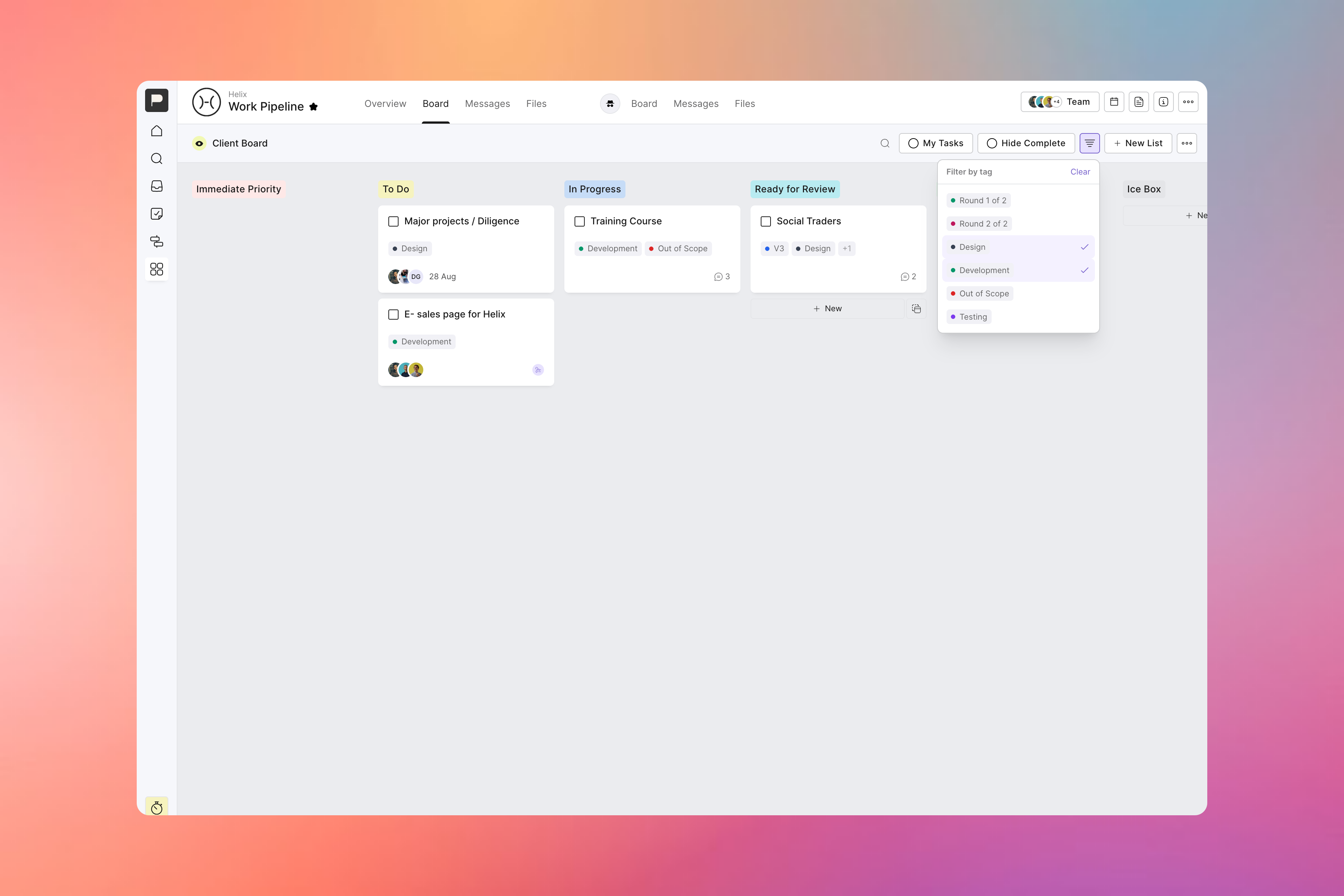
The bonus of adding tags for tracking things like rounds of revisions means that you also get the general benefits of using tags in your more traditional kanban board projects.
Tag tasks for priority, which department they belong to, or whatever your little organising heart desires. You can then easily filter down to just the tasks for a tag or two, while flagging any addition info like which tasks are truly urgent.
Our advice would always be to “think before you tag”, as it can make things harder to follow once you hit a certain limit - but how you use them is totally up to you.
So take tags for a spin, and let us know what you think of the updated process view. We’re committed to making it easier all the time to keep your process on rails and communicate clearly with your clients, and think this is a step further down that road!
We’ve added some other key updates as well since our last announcement, including:
You can now preview a project as a client so you can fine tune things before you share
A new view option on your dashboard for starred projects that’s more streamlined
The ability to move a task from one project to another
Plus a few small performance improvements along the way