
Jul 27, 2026
Many of you may have been wondering when we’d get in on the AI game.
We’ve held off for a long time while others raced to cram it into every crevice of their products, because we want to make sure that as we add it we do it in a very considered way, that’s not just there for the sake of it, and doesn’t compromise on our commitment to simplicity and just giving you the things you need to run great projects.
So with that in mind, our first foray into the AI space is to allow the AI agents and custom tools we know you’re all using to have better access to your Outlign account and a cleaner way to read your workspace and actually complete actions that you direct them to do on your behalf.
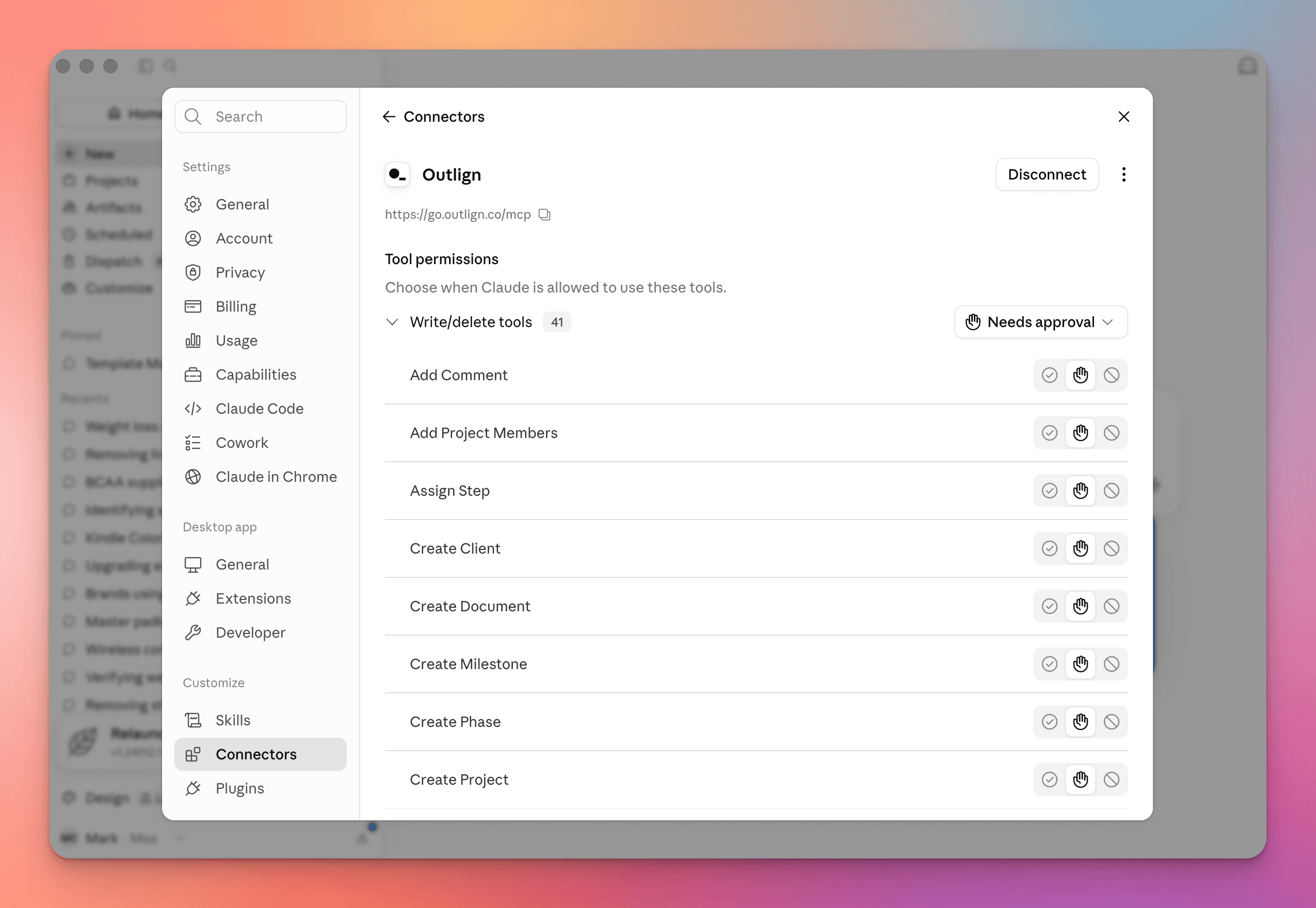
So we've built out and released our full API, and created an MCP server that allows agents like Claude to directly access the platform. From today both are open to everyone on Outlign.
MCP is the standard that lets AI assistants plug straight into Outlign. Point your assistant at your account and it can work inside your projects the way you would.
Once it's connected, you can just ask for things like:
"What's overdue across all my clients this week?"
"Set up a new brand identity project for Acme from our Web Development template"
"Summarise everything the client has said on the homepage designs"
"Create the tasks for stage two and assign them to Jane"
One thing worth knowing: It acts as you, with exactly your permissions - so it has access to all your clients and projects, and can create tasks, messages and comments wherever you can - and they will look like they came directly from you… so just keep that in mind as you get acquainted with it.
Open your AI tool's settings and add a new MCP server
Paste in https://go.outlign.co/mcp
Your browser opens an Outlign login page — sign in as you normally would
Review what it's asking for, and approve it
That's the whole thing. You can see everything you've connected, and revoke any of it, under Company Settings → Integrations.
For the full walkthrough, check out our help article on connecting AI agents to Outlign
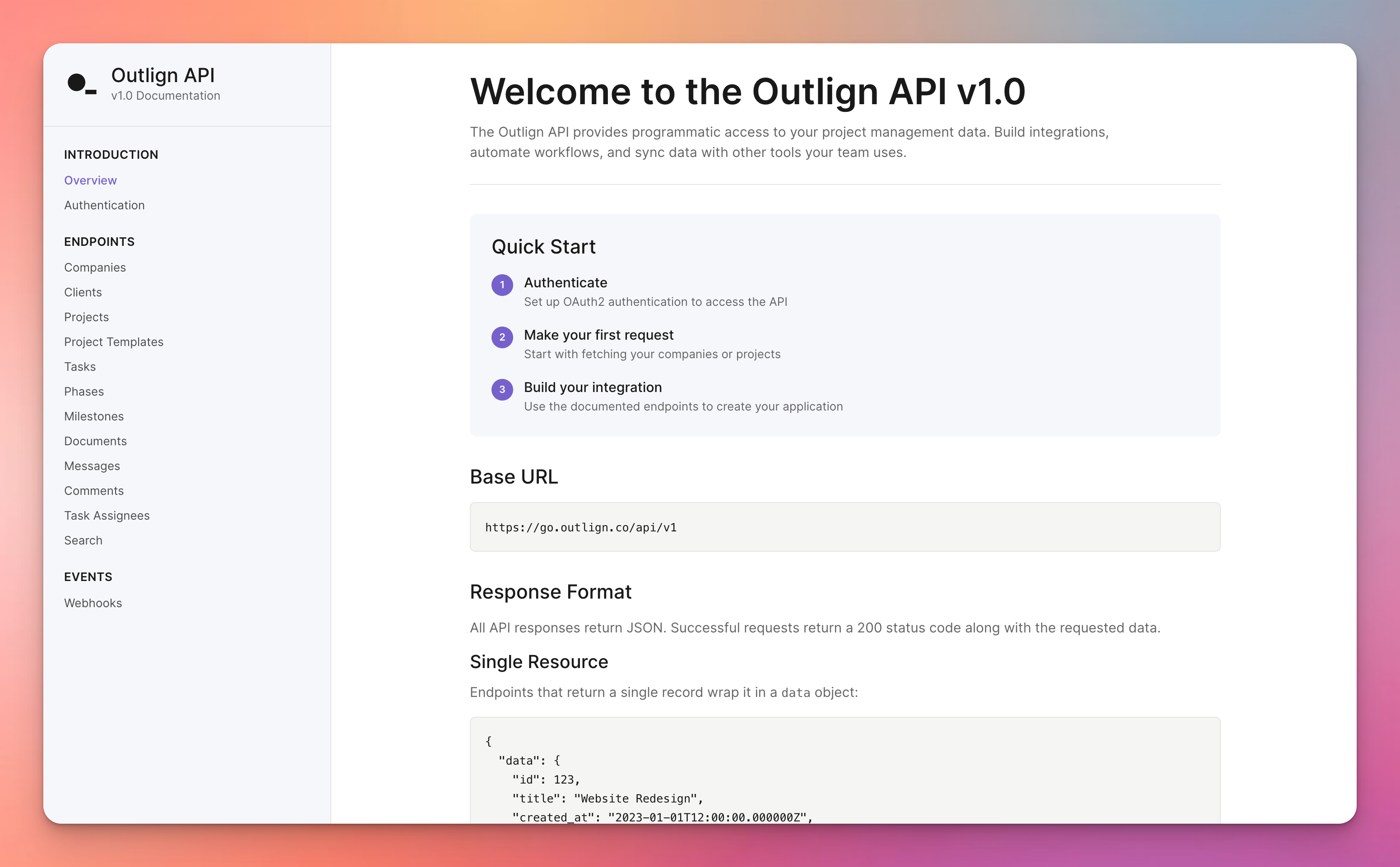
If you'd rather build something yourself, our REST API is now fully public and documented too.
It covers clients, projects, phases, tasks, milestones, documents, messages, comments, templates, and search - essentially everything you can do in the app, you can now do from your own code.
Head to Company Settings → Integrations
Under API Clients, hit Create client
Give it a name and a redirect URL, and you'll get your client ID and secret
Authenticate over OAuth, and start making requests
The client belongs to your agency rather than to whoever created it, so it keeps working as people join and leave your team.
Everything you need is in the full API documentation
Both of these are included in your plan. And if you're already running Zapier with Outlign, nothing there changes — this just gives you a different way to work with your Outlign account.
We're genuinely excited to see what you build, and what you end up asking your assistant to do on a Monday morning. As always, we’d love to hear your feedback and we’re always up for a chat.